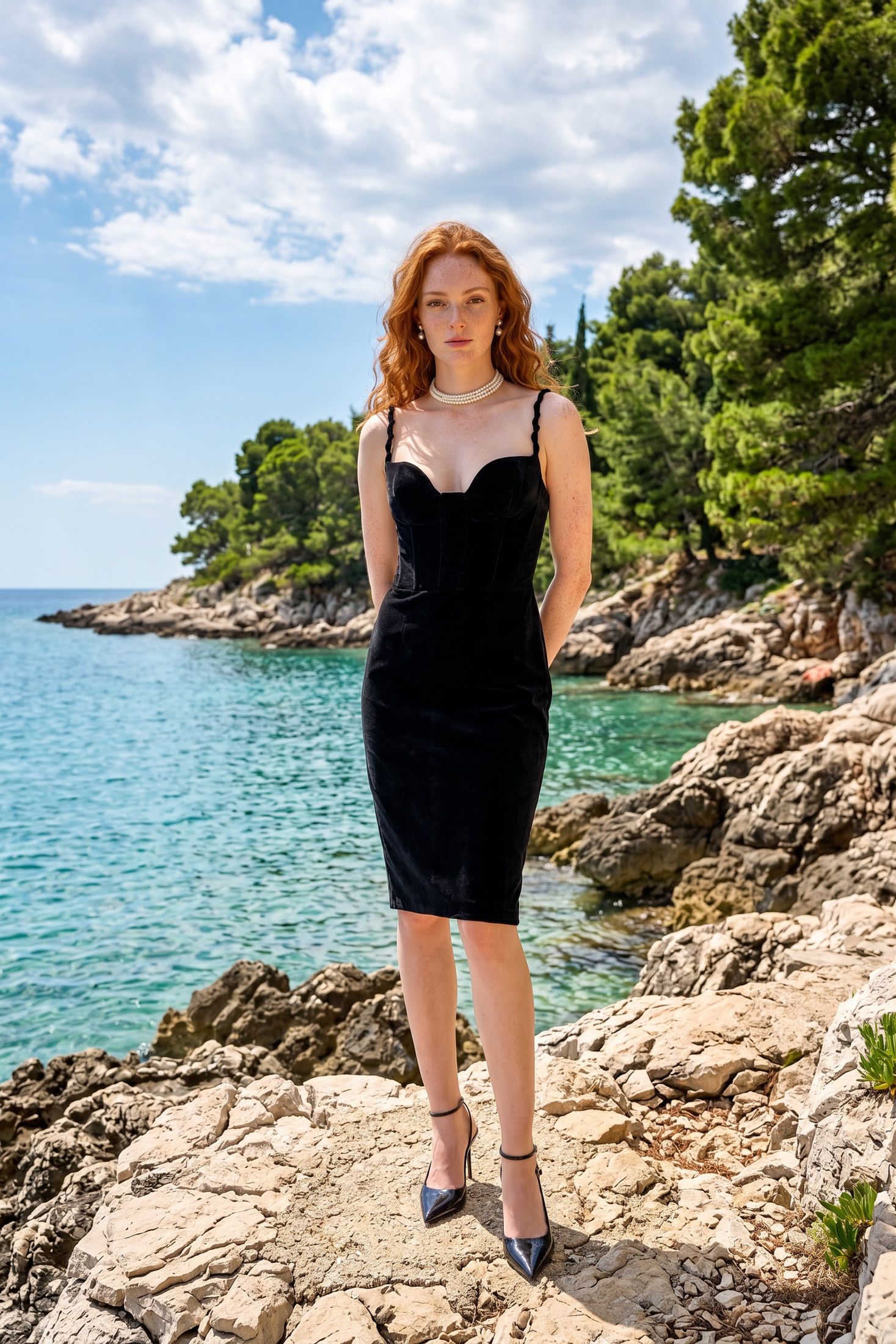
An artificial intelligence photoshoot turns a studio booking into a browser session. Upload a reference photo and describe a scene. A finished frame arrives in minutes for under $15, against $500 to $2,000 for a studio session. At that price a two hundred SKU catalog stops being a budget conversation and becomes a workflow.
Generating one convincing image is solved. Every vendor shows you a single beautiful result. The work left over is the part tool marketing never covers: deciding who appears in your images and on what authority, then keeping two hundred generated frames consistent enough to sit on the same category page. Both are workflow decisions with known answers, and this article walks through them. Marketplace and disclosure rules live in our existing coverage, linked below.
What happens in an artificial intelligence photoshoot
Short version, since this part is well covered elsewhere. You upload a reference photo. The system segments the product from its background, which sets the ceiling on how real everything downstream looks. You describe a scene, or supply a reference image so lighting and color match a previous campaign. The model composes a new environment around the product with matched perspective, shadow direction and reflection.
If a person appears in the frame, you either use a model the platform generated or supply your own. That single branch carries more consequence than every other setting combined.
Who is in the frame
Fashion brands work with three layers of AI person imagery. Each layer carries different consent requirements.
Fully synthetic models
The system generates a person who matches no real individual. No release exists to obtain, because nobody real is in the frame. The risk left over is accidental resemblance. A generated face can land close enough to a real person to draw a right of publicity claim, and no release exists for a face nobody photographed.
Generation from a real reference photograph
You start with your own shoot and generate variations. The person is identifiable, so the release governs. The question becomes whether a release drafted before generative tools existed covers new poses and settings built from approved source frames.
This is the layer courts are testing right now. In June 2026, model Francheska Pujols filed suit in New York state court against Rainbow USA. She claims the retailer used AI to generate images of her in poses, settings and compositions she never posed for or approved. Those images go beyond the September 2024 release she signed. Rainbow’s response is that the contract already granted the right to alter, transform and composite her likeness for advertising. The court has not ruled. You can still work in this layer. Reading the release before the generation run turns a court question into a twenty minute review.
Digital replicas of a specific model
A trained likeness reused across campaigns. This carries the heaviest consent requirements and the least doubt, because the law has caught up here.
Two New York statutes now sit on this. The Fashion Workers Act requires clear written consent before a brand creates or uses a model’s digital replica. That consent has to come in advance and specify scope, purpose, duration and compensation. The law leaves out routine retouching. The Synthetic Performer Disclosure Law has been in force since June 9, 2026. It requires a conspicuous disclosure when an advertisement features a digitally created human who is not a recognizable real performer. Note the flip between the two. One governs using a real person. The other governs using a fake one, and an apparel catalog with AI models can touch both.
The EU draws its line in the same place. Article 3(60) of the AI Act defines a deepfake as generated or manipulated content resembling existing persons, objects, places or events that would falsely appear authentic. The Article 50(4) deployer disclosure attaches to that definition. A folded shirt on a generated background does not trigger it. A generated face that reads as a real, plausible person does.
Vision supports both paths. You can work with generated models, or upload custom photos of a real person where you hold the license. That is why the release question lands on you rather than on the tool. The fashion use case covers the apparel workflow in detail.
The practical rule: before a campaign ships, one named person should be able to say which of the three layers each image belongs to and produce the paperwork for it. That is a twenty minute conversation, and once it has happened the whole campaign ships with the likeness question settled.
How to keep an artificial intelligence photoshoot consistent
Consistency is what separates a demo from a catalog, and it slips in four specific places. Each one has a lock.
Identity drift. Run one prompt across forty SKUs and you get forty different people. Different bone structure, different skin tone, different hair. Nobody notices on a single product page. On a collection grid showing twelve products at once, the mismatch shows and the images read as generated.
Lighting mismatch. Each generation picks its own key light. Hard afternoon sun from the left on one shot, soft overcast from above on the next. Both look fine alone. Side by side they look like four different brands.
Fabric and detail loss. This one hits apparel hardest. Generative models smooth texture. Knit structure, weave direction, drape and printed logo text are all at risk. A customer who gets a garment with the wrong weave returns it. The return costs more than the image ever saved.
Scale errors. The model does not know how large your product is. A side table rendered beside a sofa can arrive the size of a footstool. In furniture that drives returns, because the customer bought a size they read off the picture.
The fixes are dull. They all remove choices from the model rather than add prompt cleverness. Lock one lighting description and one model identity per collection. Generate in batches rather than one image at a time, so the whole run shares settings. Put a human on final review for physical logic, scale and text.
At catalog scale this stops being a tool question and becomes a pipeline question. If generation runs from your PIM or a script rather than a browser tab, the locked settings apply themselves and consistency stops depending on whoever is at the keyboard that day. Any tool you evaluate for a catalog of this size should offer programmatic access for that reason. That is the difference between a tool you use and a process you run.
Two constraints you inherit
Neither of these is specific to shooting with models, and we have covered both at length already.
Marketplaces set hard image rules, and a lifestyle scene fails them if you point it at the wrong slot. Amazon’s main image must be a pure white background at exactly RGB 255, 255, 255. Most AI output fails there. Generated lifestyle work belongs in slots two through nine. AI product photos for Amazon has the detail, including the metadata traps.
Disclosure rules now differ by market and several deadlines have already passed. The full jurisdiction by jurisdiction map is in AI product photography regulations in 2026. The short version for a shoot with models: a generated person raises your disclosure exposure well above a product on white.
Products that work without a person
Everything above assumes someone in frame, because that is what photoshoot implies. You can capture a large share of the value without one.
Furniture, homeware, automotive and most hard goods work either way. A sofa in an empty sunlit room shows scale, material and style with no likeness question at all. Add a person reading on it and you gain warmth and human scale. You also reopen the consent conversation above.
The method is identical. Segment cleanly, describe the environment, lock lighting across the collection, review for physical logic. The no-people version removes a whole category of legal exposure and one of the four consistency failures, since no face has to stay constant. For a first catalog run that is often the sensible place to start. We covered staging one furniture SKU for different buyer demographics in Generational style and generative AI.
When the catalog outgrows the person running it
An in-house team can do all of this. A competent digital merchandiser can lock a style brief, batch generations, track which images used which model layer and keep release records. For a small catalog they should do it by hand.
They are also repetitive, and the work grows with every SKU while the interest of the work does not. Vision handles the pipeline side, with batch generation and consistency controls across a collection. Teams driving it from their own systems get API and MCP access once they set up an account in the app. The Done For You service exists for teams who would rather hand over the whole loop. Plans start at $9.99/month and the pricing page lists credit allowances per tier.
The math changes somewhere around the point where nobody on the team can name every SKU.
One thing to do this week
Pick one collection. Generate the same model across five SKUs with your current settings. Put the five faces side by side. Decide whether a customer would read them as the same person. If they drift, lock one model identity for the collection and rerun the batch. That is the whole fix, and it costs an afternoon.
References
Likeness and model releases:
- Rainbow argues existing model releases cover AI-generated ads, The Fashion Law, July 2026
- New York Synthetic Performer Law, Manatt, June 2026
- How AI, digital doubles and new laws are rewriting fashion and beauty, Foley and Lardner, March 2026
- Contracts, consent and clones, Lexology, June 2026
- Likeness, model releases and the legal framework for AI fashion imagery, May 2026
EU AI Act:
- Article 50, Regulation (EU) 2024/1689
- Code of Practice on Transparency of AI-generated Content, European Commission
This is general information rather than legal advice. Our 2026 regulations roundup carries the current state of each jurisdiction.