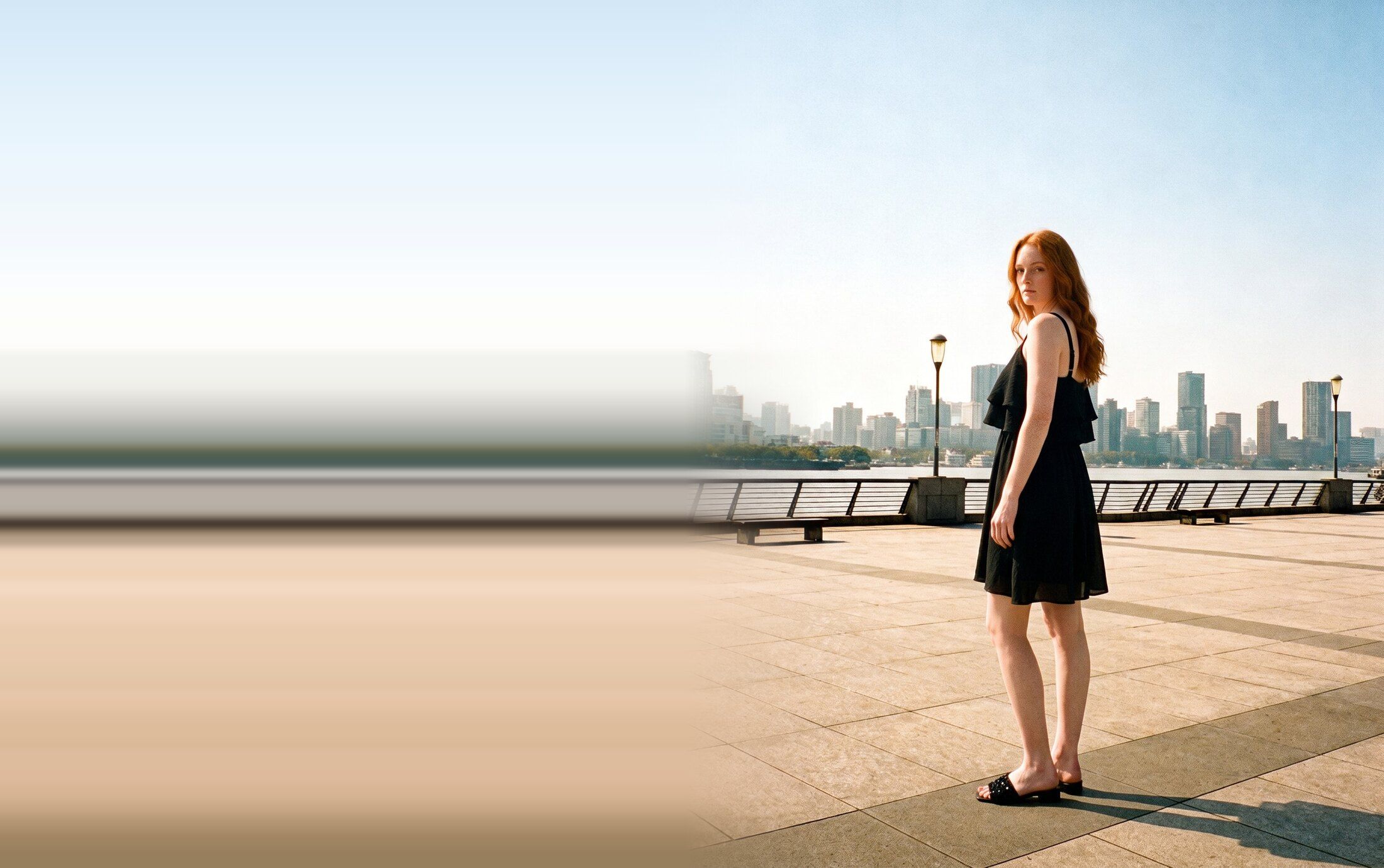
AI fashion photos with Nano Banana that keep garments true
In a chat with Nano Banana you attach the same product photos to every prompt. The model still guesses the back of the dress. Vision stores each photo once and sends the ones that match the pose.
Watch Vision fill the slots for a back pose
Three minutes, from two backs of the same dress to the 14 reference images Nano Banana gets.

Assets, Elements and Projects
Vision keeps your photos, your products and your shoots apart. Each layer reuses the one below it.
-
Assets
An Asset is one photo in your library. The same photo can sit in more than one Element.
-
-
Elements
An Element is a Product, an Actor or an Environment. It holds the photos of one thing and tags each photo with its view.
-
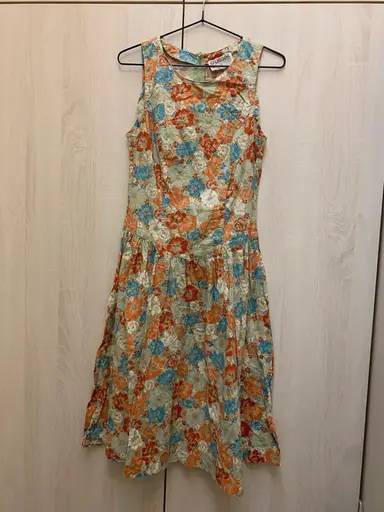
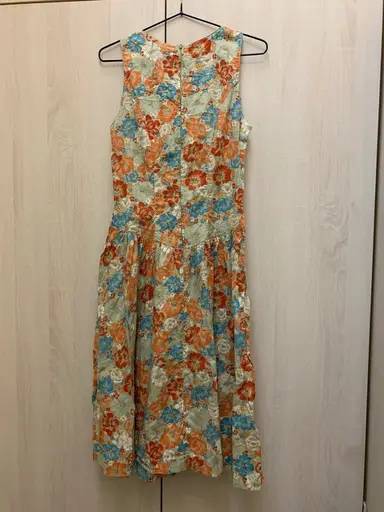
Floral dress Product
-
-
-
-
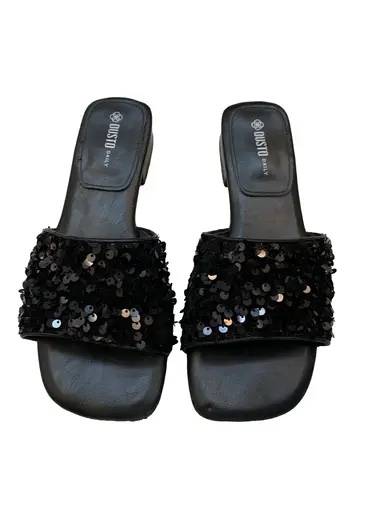
Black sandals Product
-
-
-
Eva Actor
-
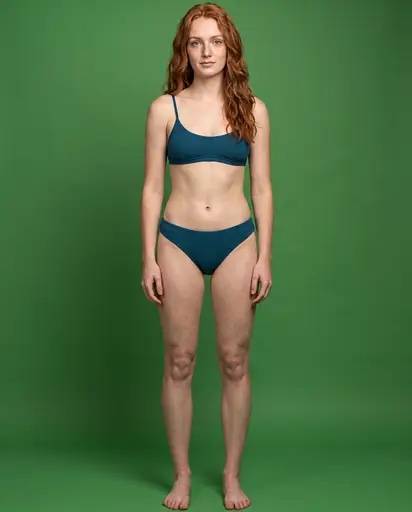
-
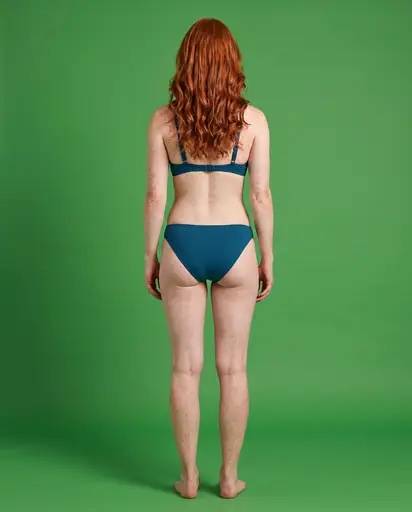
-
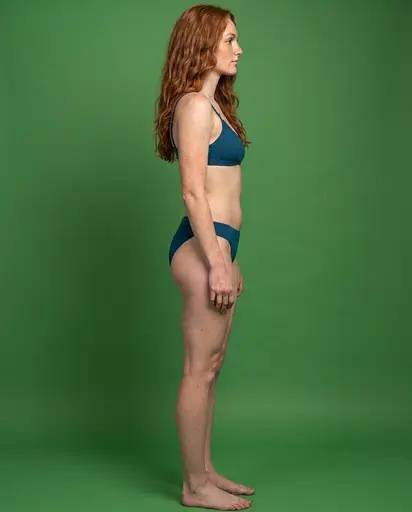
-
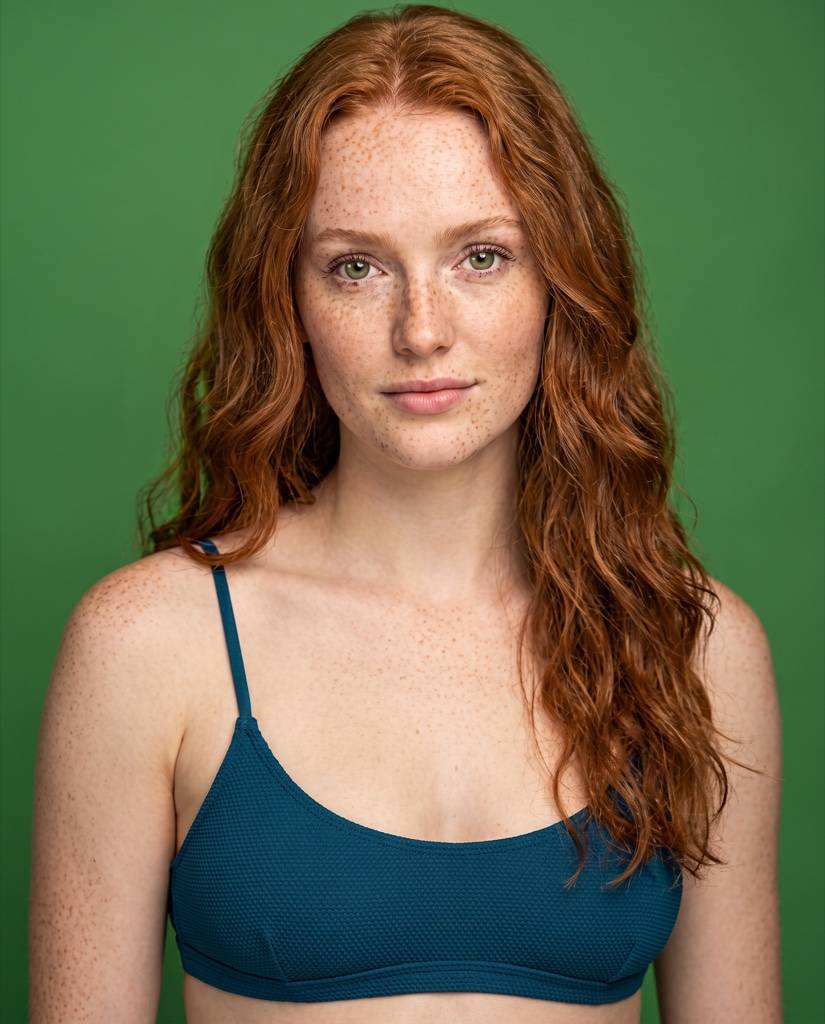
-
-
California Environment
-
-
-
-
Projects
A Project is one shoot. The dress and sandals go into a lookbook and a product page as one set, with no second upload.
-
Summer lookbook
- Floral dress Product, also in another Project
- Black sandals Product, also in another Project
- Eva Actor
- California Environment, also in another Project
-
Outfit product page
- Floral dress Product, also in another Project
- Black sandals Product, also in another Project
- California Environment, also in another Project
-
Which photos Vision sends to Nano Banana
Nano Banana takes up to 14 reference images per request. For every shot in an Apparel Project, Vision picks the photos that match the pose.
In your library
-
Eva Actor
-
-
-
-
-
-
California Environment
-
-
-
Floral dress Product
-
-
-
-
Black sandals Product
-
-
Sent to Nano Banana
4 / 14 images
Actor 1
-
Environment 1
-
Wardrobe 2
-
-
Sent to Nano Banana
4 / 14 images
Actor 1
-
Environment 1
-
Wardrobe 2
-
-
Sent to Nano Banana
4 / 14 images
Actor 1
-
Environment 1
-
Wardrobe 2
-
-
-
Two slots for the Actor and the Environment
The Actor photo matches the pose, so a Back pose gets Eva's Back photo. The Environment sends its primary photo.
-
Up to 12 slots for the wardrobe
The dress, sandals, bag and jewelry each get the photo closest to the pose. No garment gets a second photo until every garment has one.
-
No failed runs
Nano Banana rejects a request with a 15th image. Vision plans every shot to fit in 14 before it sends anything.
-
The angle keeps the garment true
A Back photo shows the model the real seams. Without one it has to invent them.
When a garment has no Back photo
Vision takes the closest view it has. Switch the pose above to Back. The sandals have only a Front photo, so Vision sends it as the last resort.
- Back The exact view always wins.
- Three-quarter Left or right. It shows most of the back.
- Profile Left or right. It shows the side seam and the fit.
- Front The last resort. The model has to guess the back.
How it works FAQ
What if I only have a front photo of a garment?
Vision still uses it. For a back or side pose the front photo is the last resort, so the model has to guess what it cannot see. Add a Back photo when the back of the garment matters.
How many garments fit in one shot?
The wardrobe gets 12 of the 14 reference slots. Every garment gets one photo before any garment gets a second.
Can one photo belong to two Elements?
Yes. Each Element tags the photo with its own view, so one photo can be the Front of one Element and the Close-up of another.
Does every Project pick photos this way?
These rules cover Apparel Projects. A standard edit sends one main photo for each Element.