Browse guides
No guides match. Try another word.
AI product photography guides
Vision turns plain product photos into studio shots. Each guide covers one task and gives you the exact steps.
Set up your account and add a product. Then generate images, remove backgrounds, and connect Shopify or WooCommerce.
Featured guides
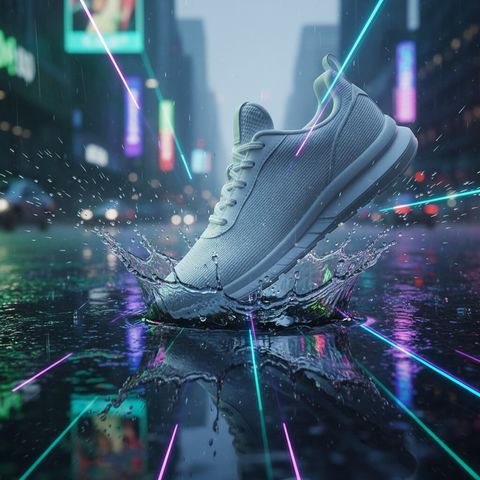
Getting started with Vision
Learn how to create your first product visualization with Vision in 5 minutes.
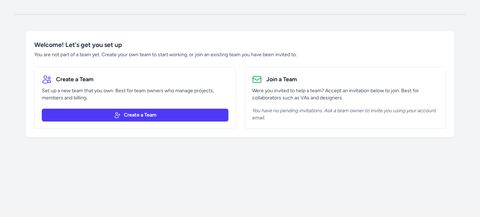
Set up your team in Vision
Create or join a Vision team during onboarding so you can start working with projects and AI-powered tools.
Add a simple product in Vision
Learn how to add a basic product in Vision using the standard product creation flow.
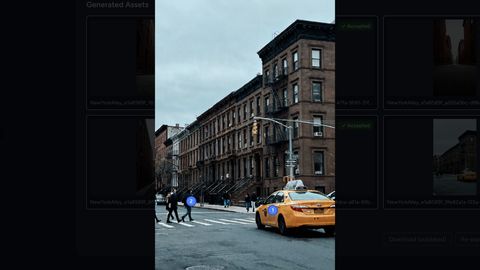
Generate images with AI
Create a Generate project in Vision, produce your first AI-generated image, and set up an Environment you can reuse across Edit projects.
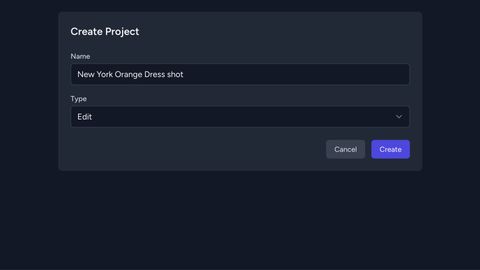
Create an Edit project
Learn how to create an Edit project in Vision, add a product, actor, and environment, and generate your first AI composite image.
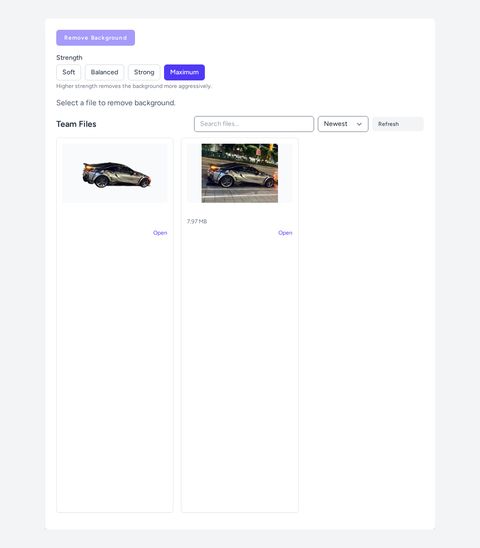
Remove image backgrounds with AI in Vision
Remove image backgrounds automatically using Vision's AI-powered background removal tool — no manual masking required.
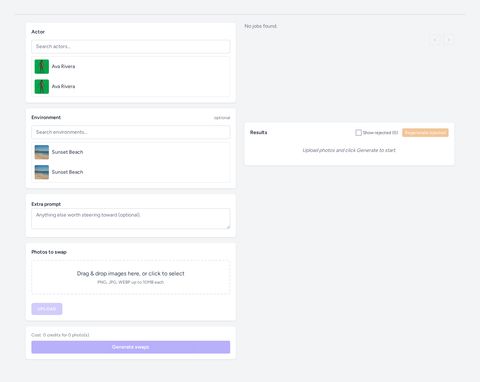
Swap the person in a product image in Vision
Replace the model in any photo using a reference actor and scene with Vision's AI-powered Person Swap feature.
AI photography naming conventions
How to effectively name Products, Actors and Environments so you stay organized with Vision.
Straight to the Results
Send us your products. We deliver images ready for your store, so your team stays on selling.
- Dedicated success manager
- Onboarding in days, not weeks
- Images reviewed by a person