Can Claude generate images? No. Claude has no built-in image generator, checked on October 7, 2026. It reads images and it writes graphics as code. It does not return a photo from a prompt. One job is the exception. Add the Vision connector and Claude creates product photos from your own product photo inside the chat.
The rest of this page shows what that looks like. It covers what Claude does with images alone, what the connector adds and three product photos made through it.
What Claude image generation covers without a connector
Claude works with pictures in three ways out of the box.
It reads images. Upload a photo and Claude describes it, critiques it or pulls the text out of it.
It writes graphics as code. Claude produces SVG and HTML, which covers diagrams, charts and simple logos. The result is a drawing made of shapes and it stops short of a photograph.
It calls outside tools. A connector links Claude to another app, and Claude then uses that app’s tools during a chat. Photo output comes from here, because the app on the other end does the rendering.
So the plain answer to “does Claude generate images” is that Claude orders the image and a connected tool makes it.
What the Vision connector is for
Vision is an AI product photography app. You give it a real photo of a real product and it places that product in a scene or on a virtual model. The connector hands Claude the same controls you have in the app.
A general picture generator is a different tool. If you want a dragon, a poster or a portrait of your dog, use one of those. The Vision connector does product photos from a product photo and nothing wider.
From a chat, Claude can:
- create a project in one of four types. Apparel shows a wearable on a model. Edit places any other product into a scene. Generate makes an image from the prompt alone. Person swap puts an actor into photos you already have.
- create products, actors and environments and upload their photos
- start a generation and follow it until it finishes
- show the results in the chat, approve or reject them and upscale one
- download a single image or export the approved set as a ZIP
- read your credit balance
Generation, upscaling and retries spend credits. The apparel tools appear only for teams with the Apparel module.
Vision works in Claude today as a custom connector, which means you add it by URL. We plan a listing in Claude’s connector directory. The setup takes a few minutes, and the guide to connecting Vision to Claude walks through it.
Three product photos Claude made through the connector
We ran each of these through the connector on our own team account on October 7, 2026. Every image came back at 2K and cost 2 credits.
Each quote below is the instruction the run used. For the two scene shots it is the prompt Claude sent to Vision, word for word. An apparel run takes no prompt, so its quote lists the choices that went into the project.
A mug on a breakfast table
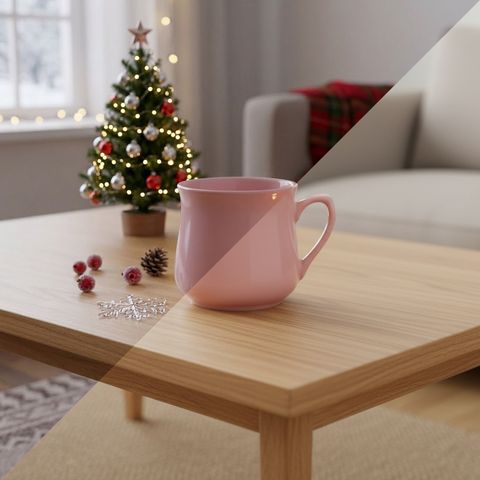
The input is one photo of a pink porcelain mug on white.

The prompt:
The attached pink porcelain mug on a wooden breakfast table next to a window. Soft morning light, a croissant on a small plate behind it, out of focus. Real product photograph, 85mm.

The mug keeps its curved body and its handle. The scene adds a spoon and a wisp of steam the prompt never asked for. Check details like that before you approve an image.
A sofa in an empty room
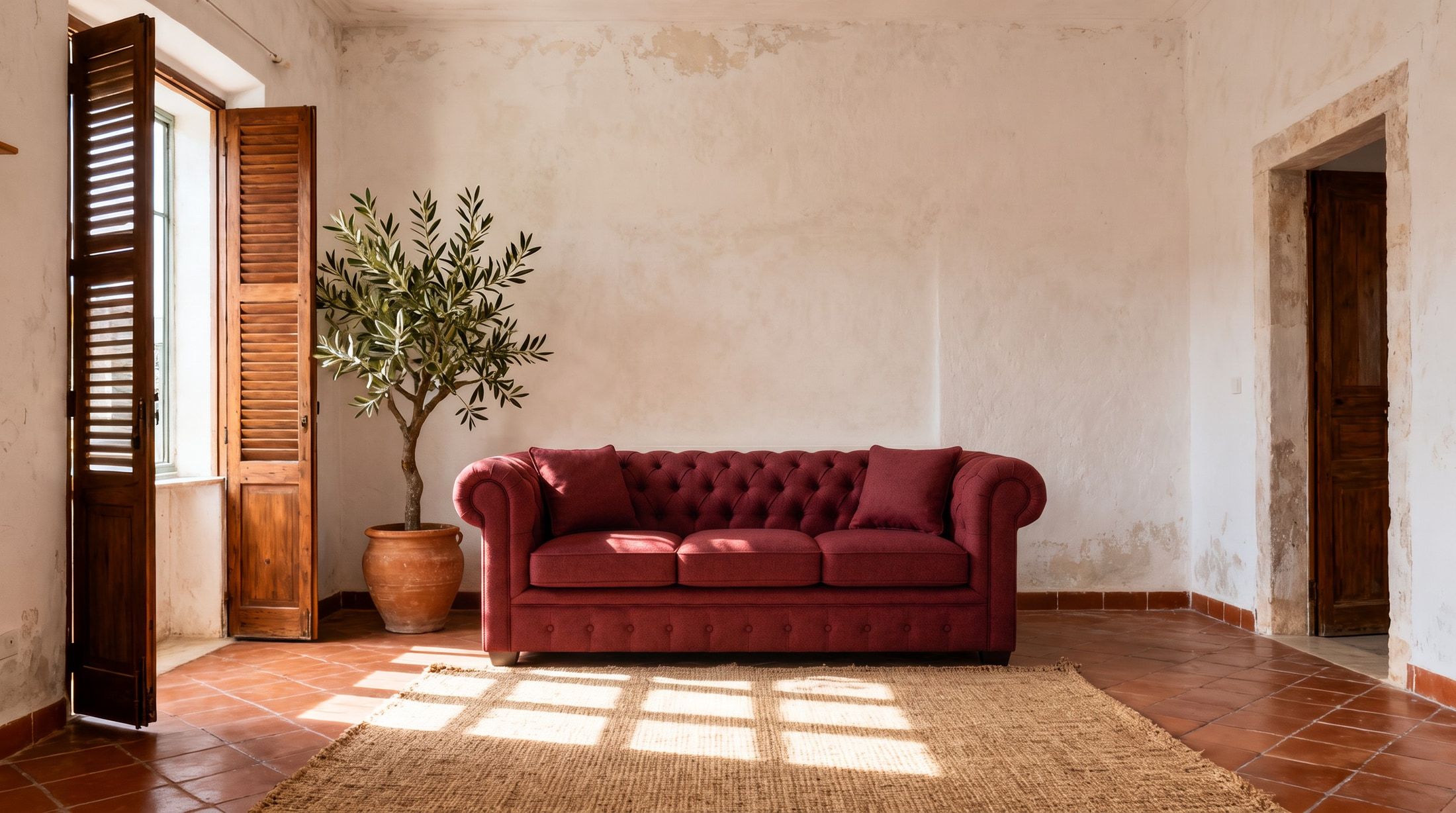
This run uses two photos. One is a green velvet sofa. The other is an empty Mediterranean room saved as an environment.
The prompt:
Place the attached sofa against the back wall of the attached room, on the jute rug. Late afternoon sun through the window, long shadows on the floor. Keep the room and camera exactly the same. Real photograph.
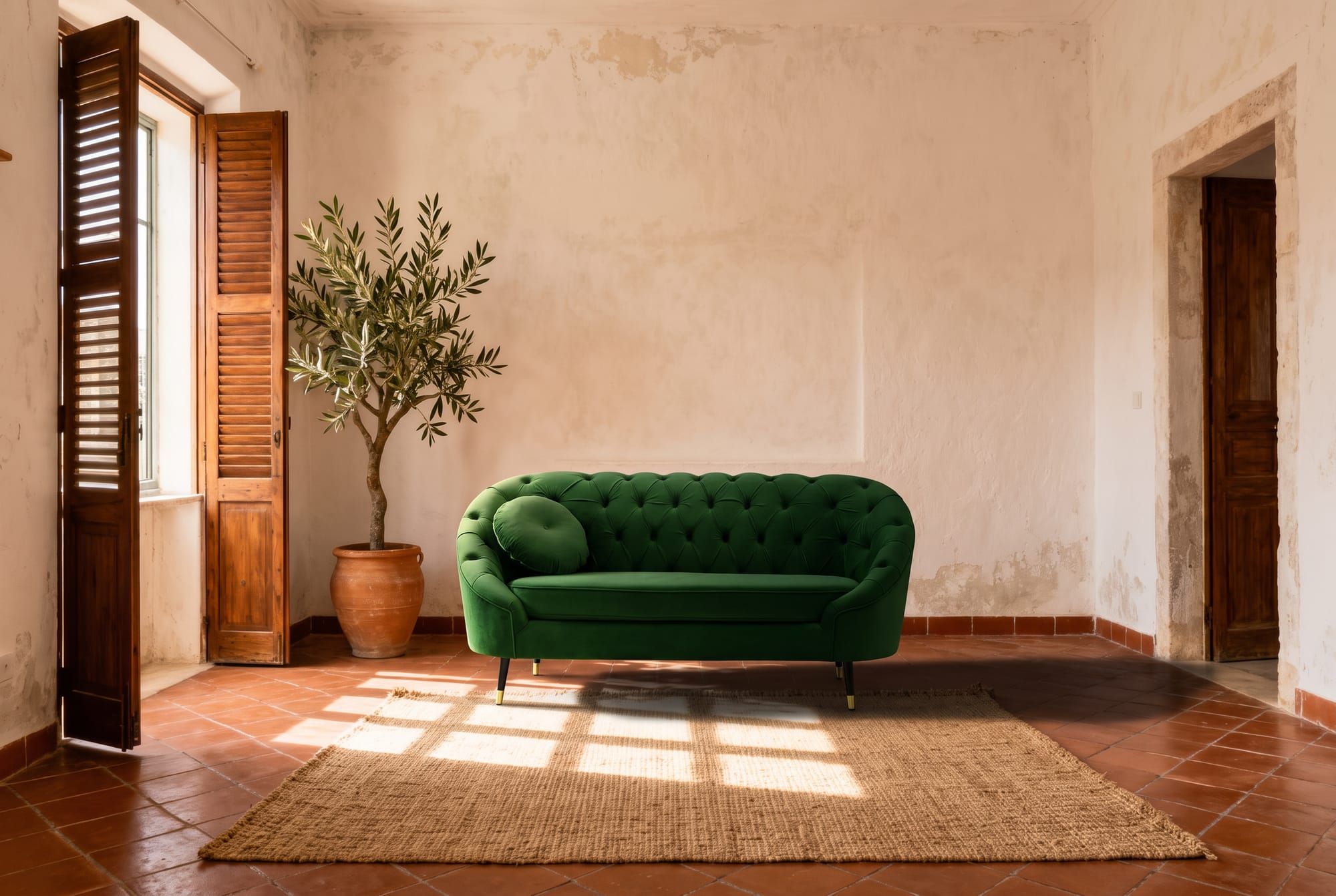
The sofa stands at the back edge of the rug with the window light on the floor in front of it. Save the room once and every sofa in the range goes into the same shot.
A dress on a virtual model
An apparel project takes no prompt. The request names who wears what and where.
The request:
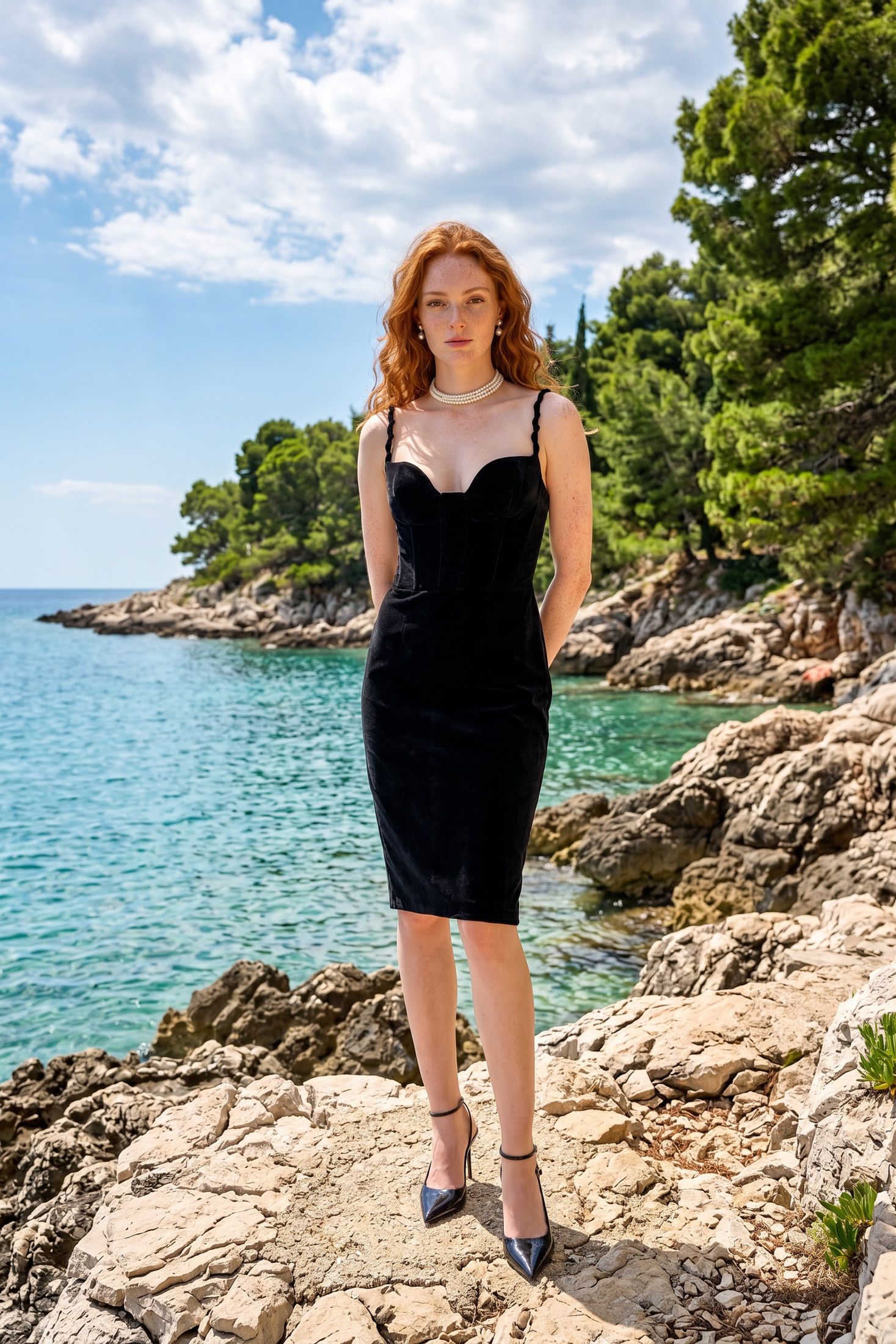
Dress the actor Amara in the black ruffle dress and the black sequin sandals. Shoot her on the Italian shore in one front pose.

The dress and the sandals both arrive in this take. An earlier run of the same outfit on another actor left her barefoot, and we ran that one again. Every take costs 2 credits, so read each result before you order the next one.
Where the connector fits
It fits when you sell a physical product and you already hold a photo of it. You stay in one chat. You describe the shot, Claude runs it and the image appears in the conversation. Ask for a second scene and the same product goes into it.
It does not fit when you have no product. Claude with Vision does not replace a general picture tool, and we would rather you know that before you sign up.
FAQ
Does Claude generate images on its own?
No. As of October 7, 2026, Claude has no built-in image generator. It reads images and it draws SVG graphics as code. Photos come from a tool you connect to it.
Can Claude create images of my product?
Yes, with the Vision connector. You upload a product photo and Claude places that product in a scene or on a virtual model. The product in the result comes from your photo.
Is there a Claude image generator I can turn on in settings?
No. Nothing in Claude’s settings switches on a Claude image generator. What you add in settings is a connector, and the connector does the image work.
Is Vision a Claude AI image generator for any kind of picture?
No. Searches for a Claude AI image generator often mean art, posters or portraits. Vision makes product photos from a product photo. Use a general picture tool for the rest.
What does it cost?
Vision bills in credits. Each 2K image on this page cost 2 credits. Upscaling and retries also spend credits, and Claude reads your balance before a run when you ask it to.
Which Claude plans accept the connector?
Anthropic’s help center lists custom connectors on the Free, Pro, Max, Team and Enterprise plans, with Free limited to one. We checked that page on October 7, 2026. The setup guide has the steps.
References
- Anthropic help center, Get started with custom connectors using remote MCP